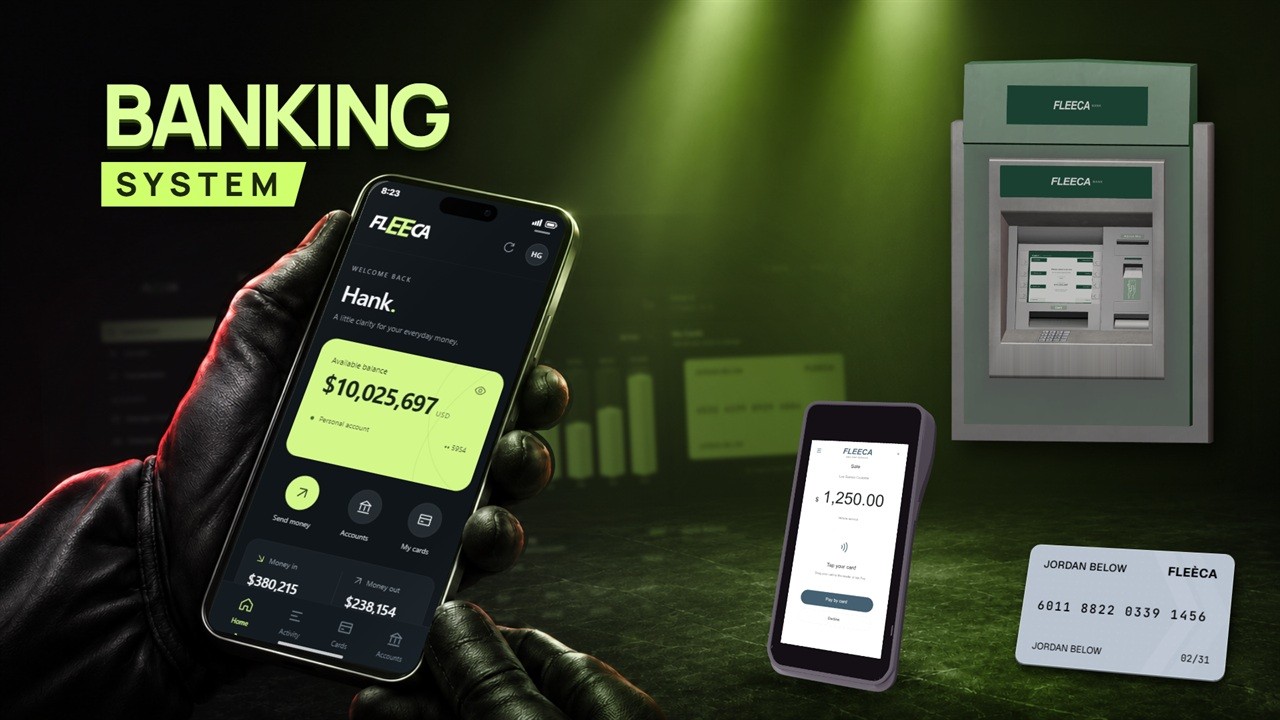
Advanced Banking | FiveM Banking System
Withdraw cash at an interactive ATM, tap a bank card to pay at a shop and manage accounts on your phone. Banking connects everyday payments, business finances and criminal roleplay through one banking system for FiveM.
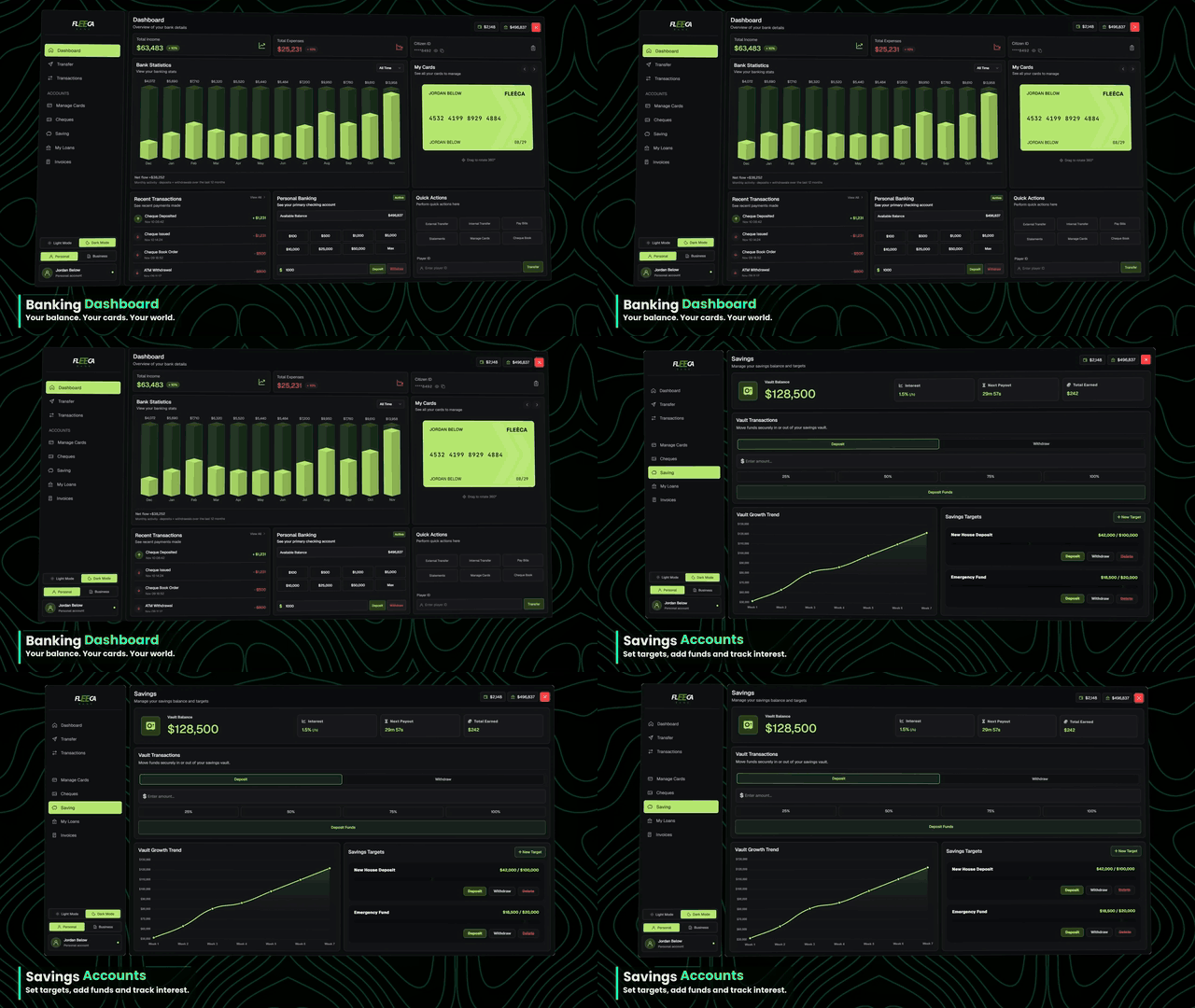 | 🏦 Accounts, savings & loans- Manage personal, shared and business accounts from one dashboard.
- Deposit, withdraw or transfer funds and review your transaction history.
- Set savings goals, apply for loans and track your character’s credit score.
|
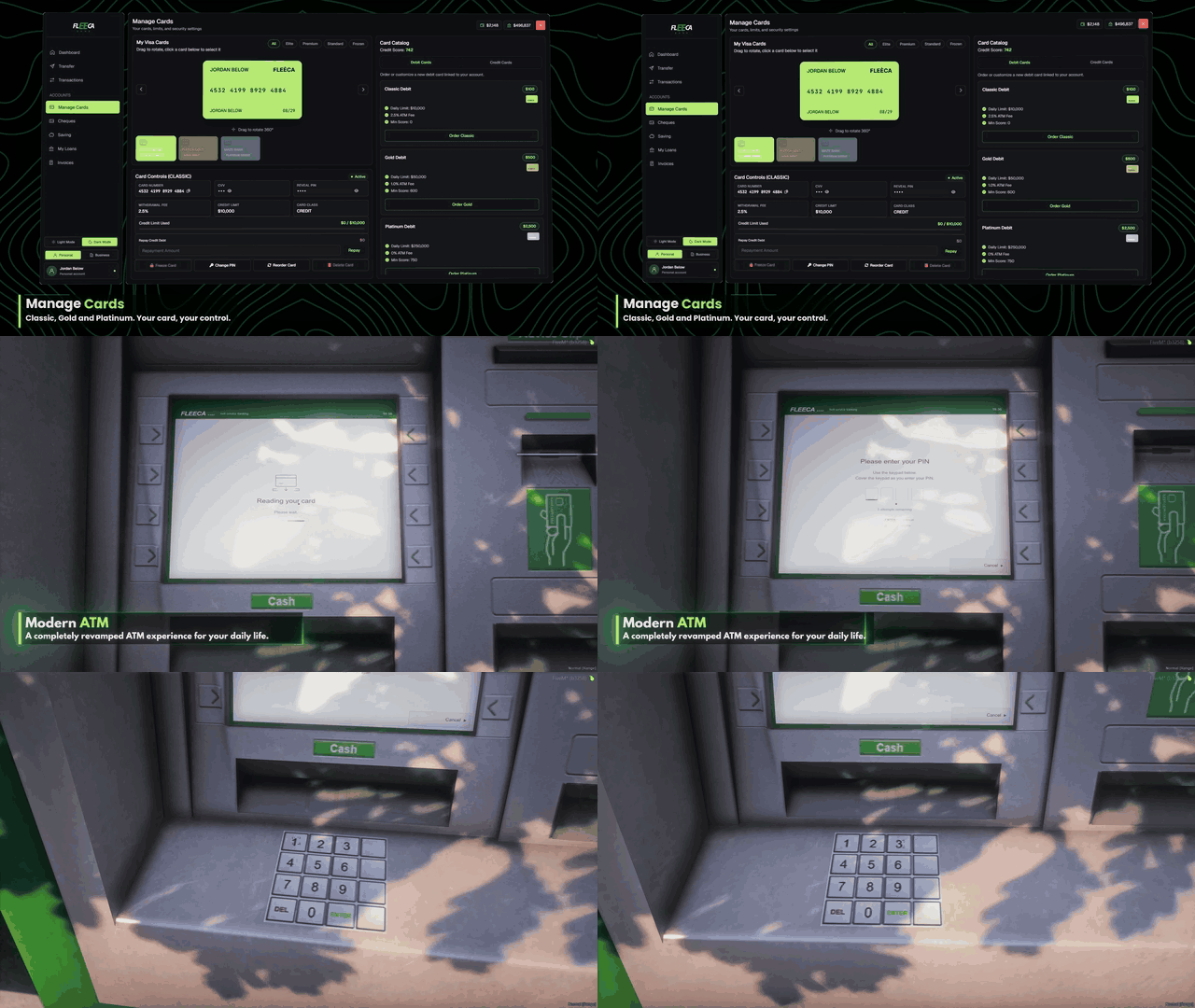
🏧 Interactive ATMs & bank cards- Use the screen and keypad on supported GTA ATM models to enter a PIN.
- Deposit or withdraw cash at the machine and view your balance.
- Manage debit and credit cards, change your PIN, set limits or freeze a card.
|  |
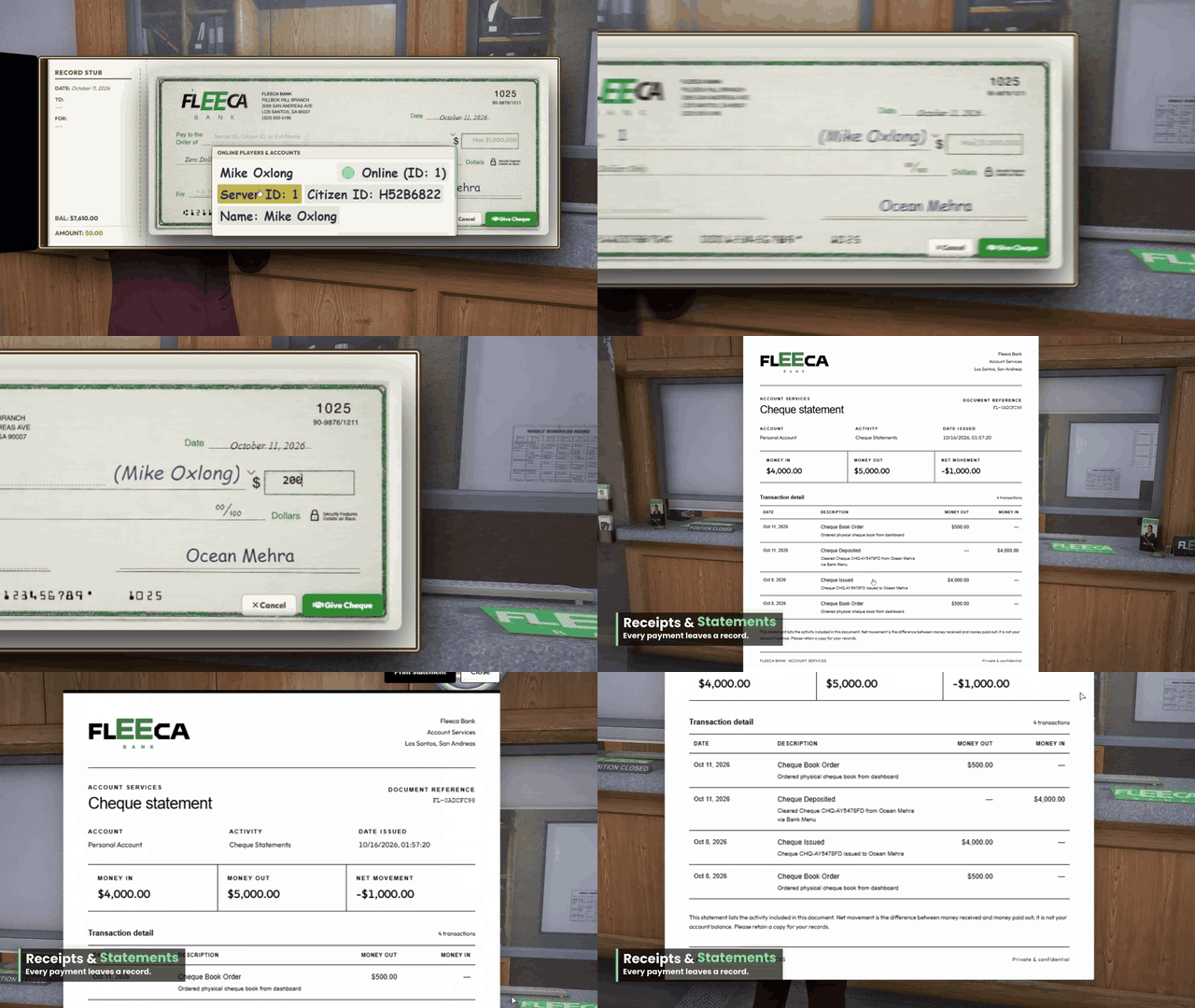 | 🧾 Cheques, receipts & statements- Write and deposit bank cheques as part of player and business transactions.
- Review account statements to see where money came from and where it went.
- Use in-game receipts and withdrawal slips to give transactions a paper trail.
|
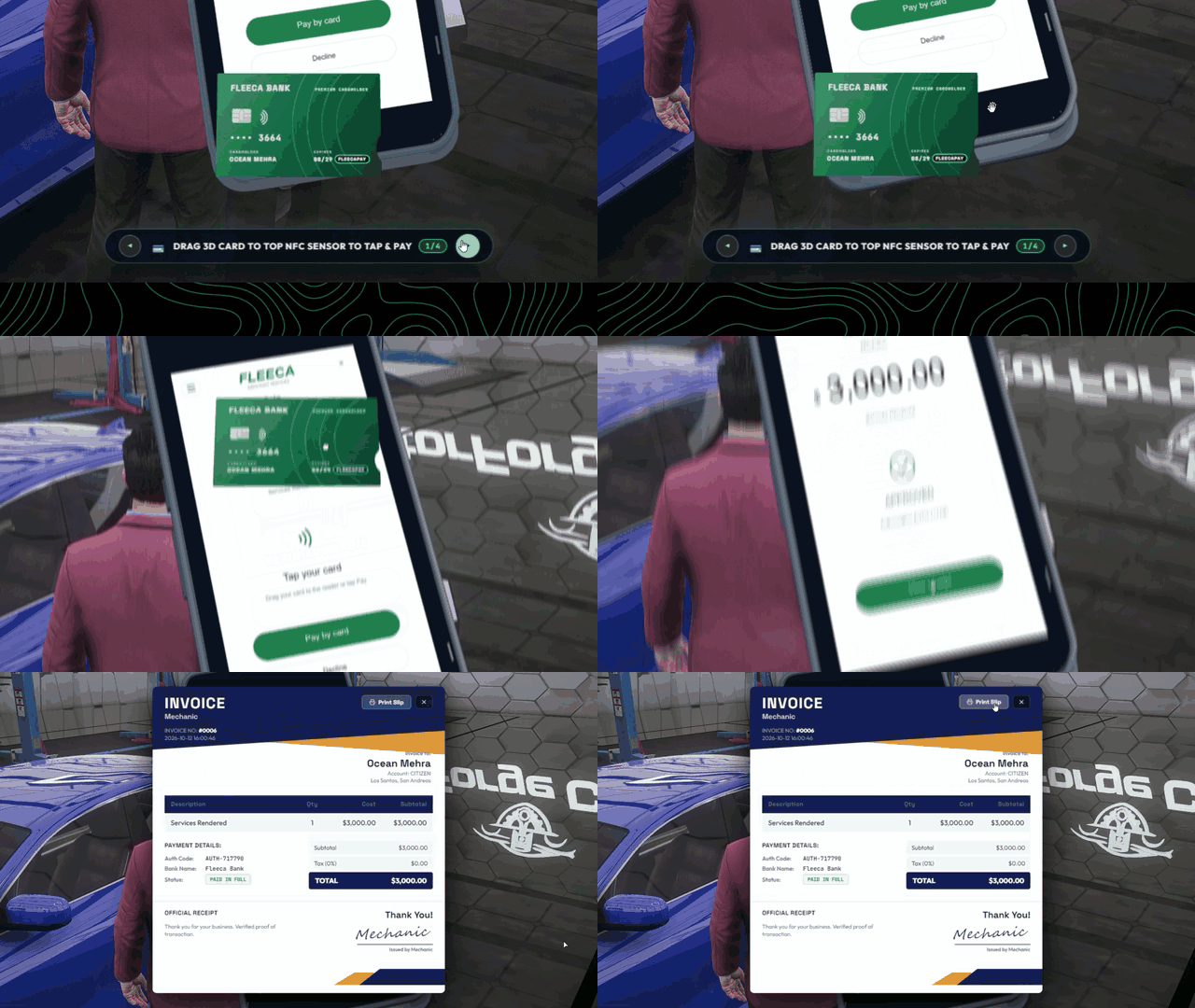
💳 Tap-to-pay POS & billing- Create a sale at the merchant POS terminal and present it to the customer.
- Drag the 3D bank card onto the reader to pay and see the payment result.
- Issue invoices and review receipts after a sale.
|  |
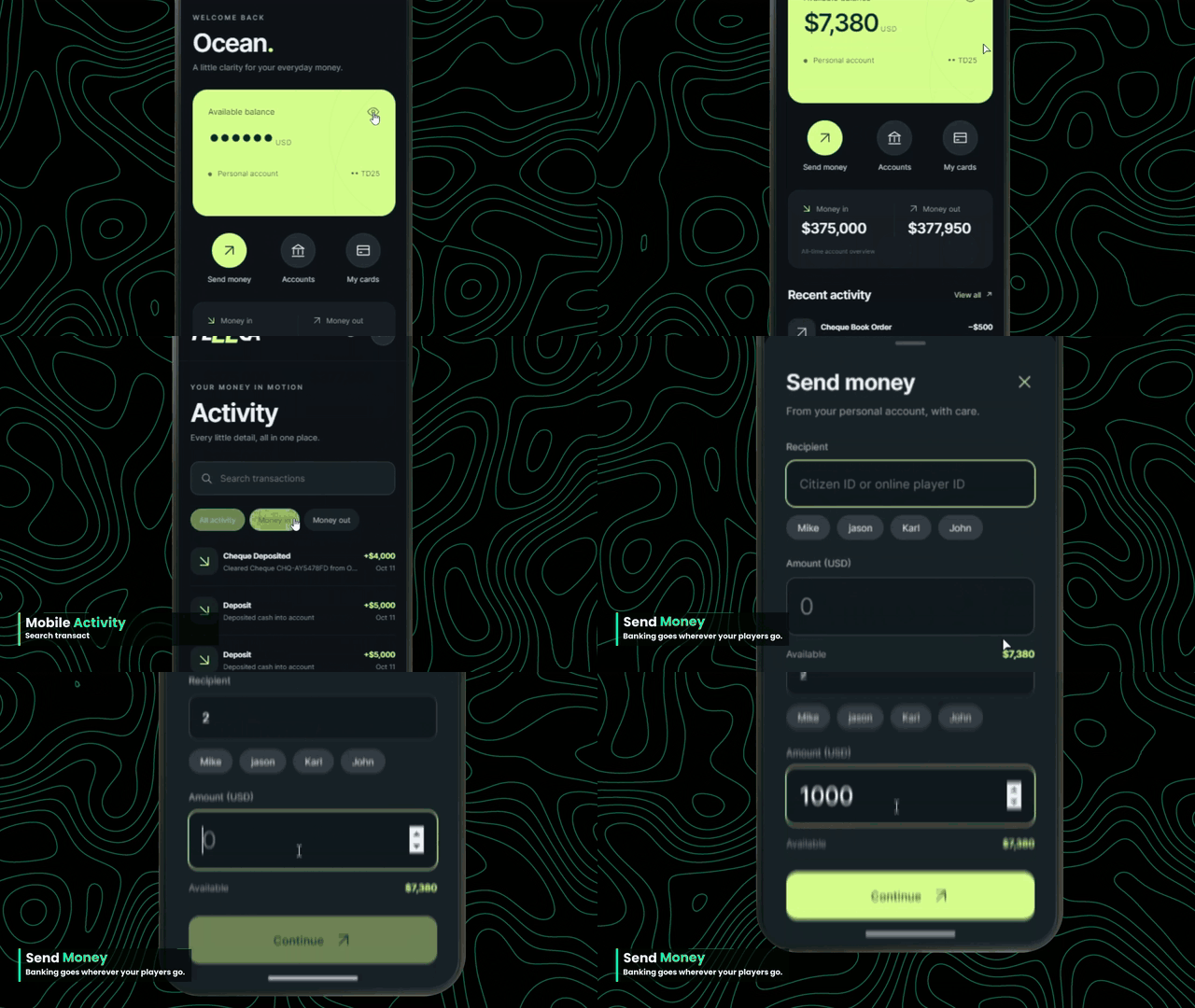 | 📱 Mobile banking- Check balances and recent activity through the phone integration.
- Switch accounts and review your cards from the phone interface.
- Send money to another player without visiting a bank or ATM.
|
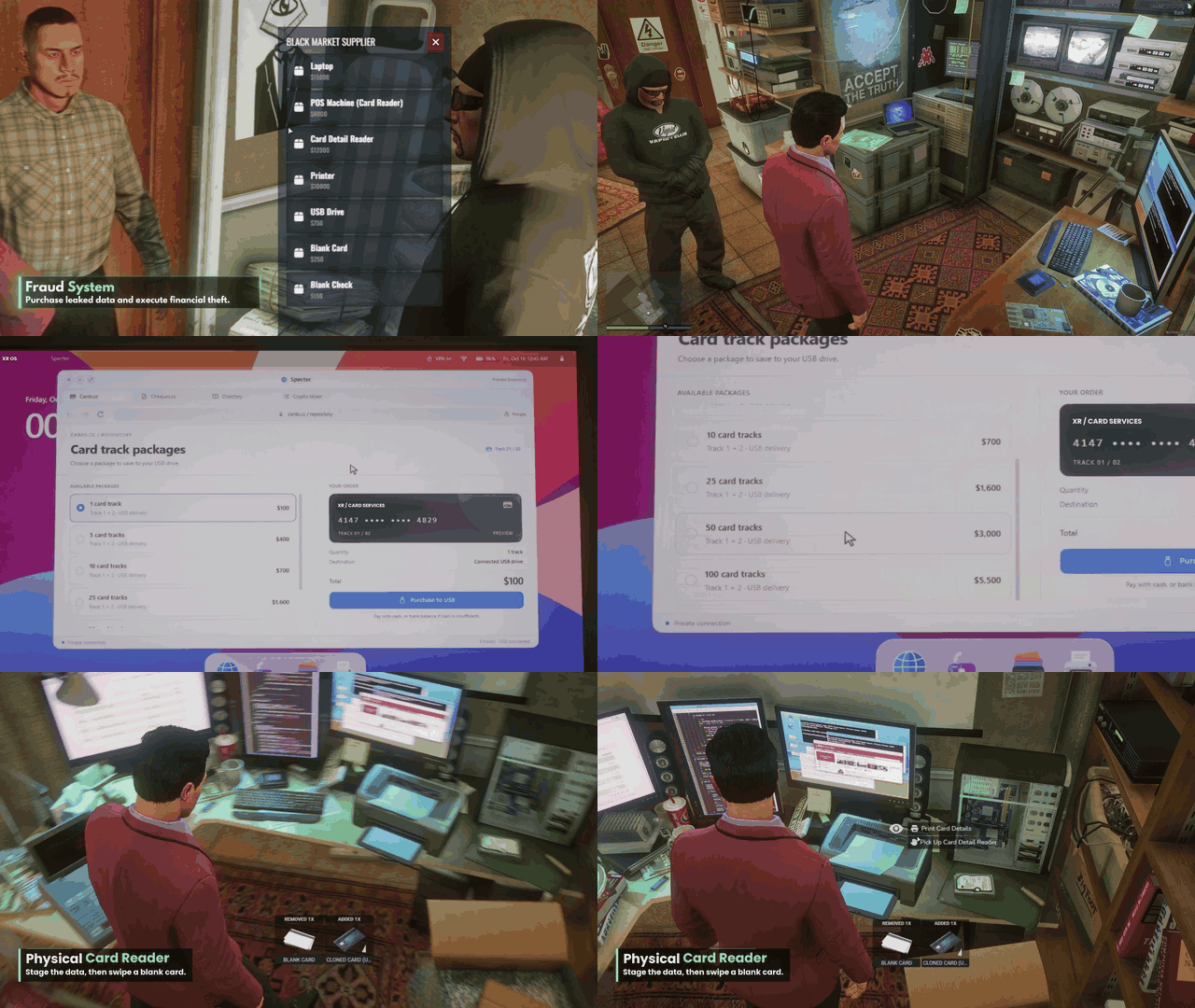
💻 In-game fraud roleplay- Build criminal RP around a black-market supplier and interactive laptop.
- Use physical reader props in the in-game card cloning workflow.
- Run cheque forgery scenarios through the game’s separate fraud system.
|  |
Compatibility & setup
Frameworks: Qbox, QBCore and ESX.
Required resources: ox_lib, oxmysql and the inventory configured for your server.
Mobile banking: Uses the server’s phone integration.
Read the XR Banking documentation